
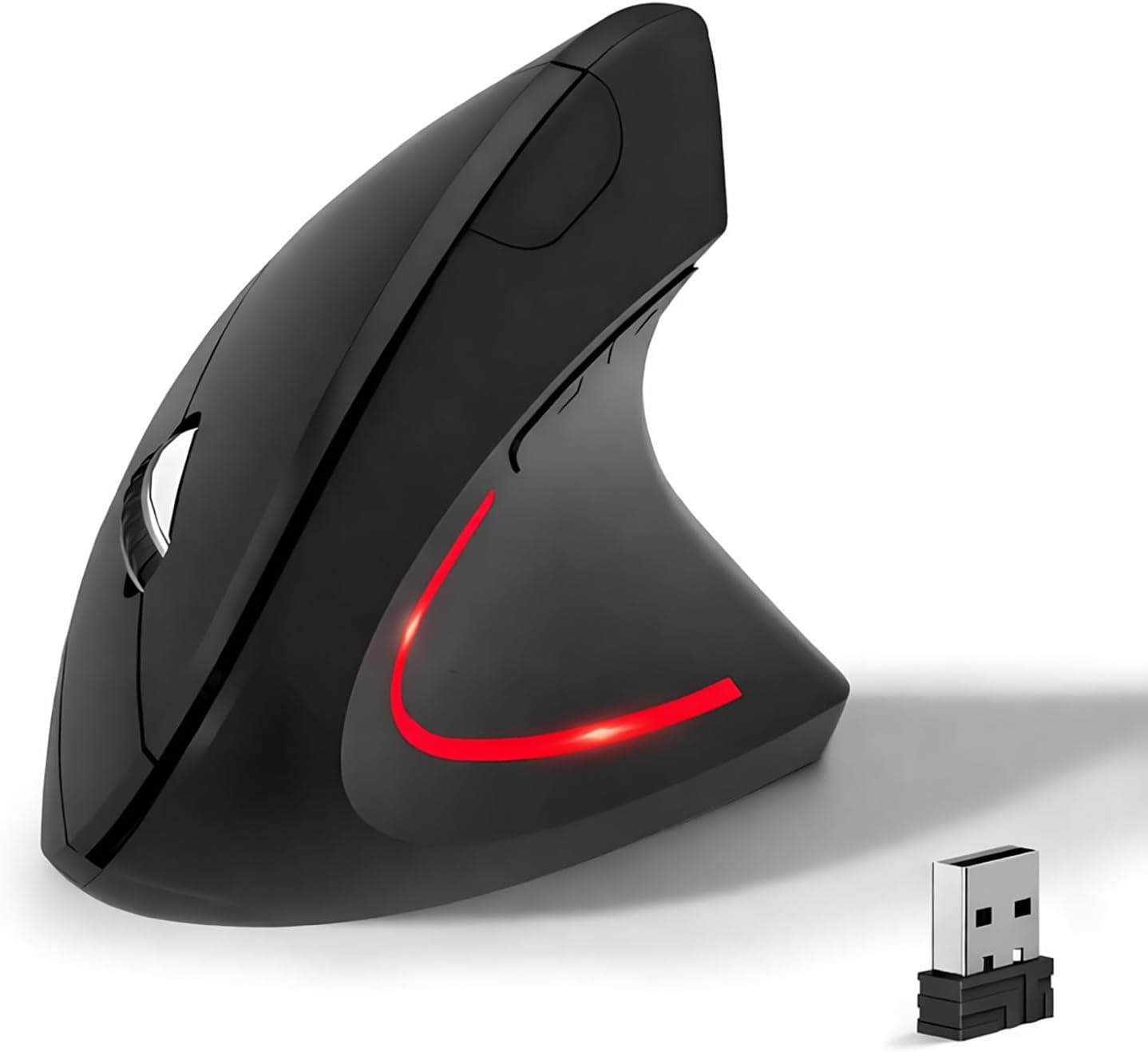
Wireless Ergonomic Mouse, 2.4G Wireless Vertical Ergo Mouse, 800/1200/1600 Adjustable DPI,6 Buttons Ergonomic Mouse for Laptop/MacBook/PC/Desktop-Black
$9.99
Related Products
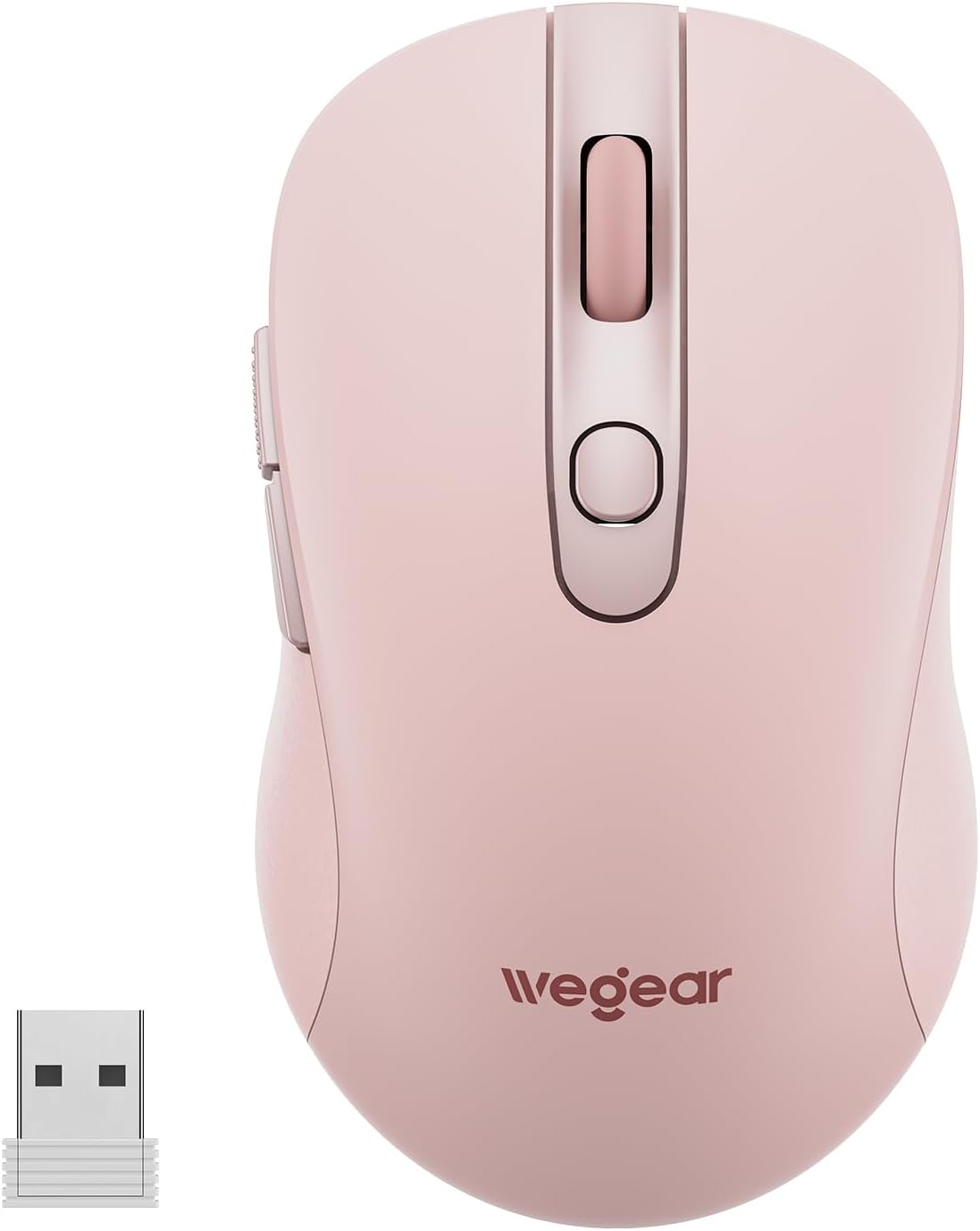
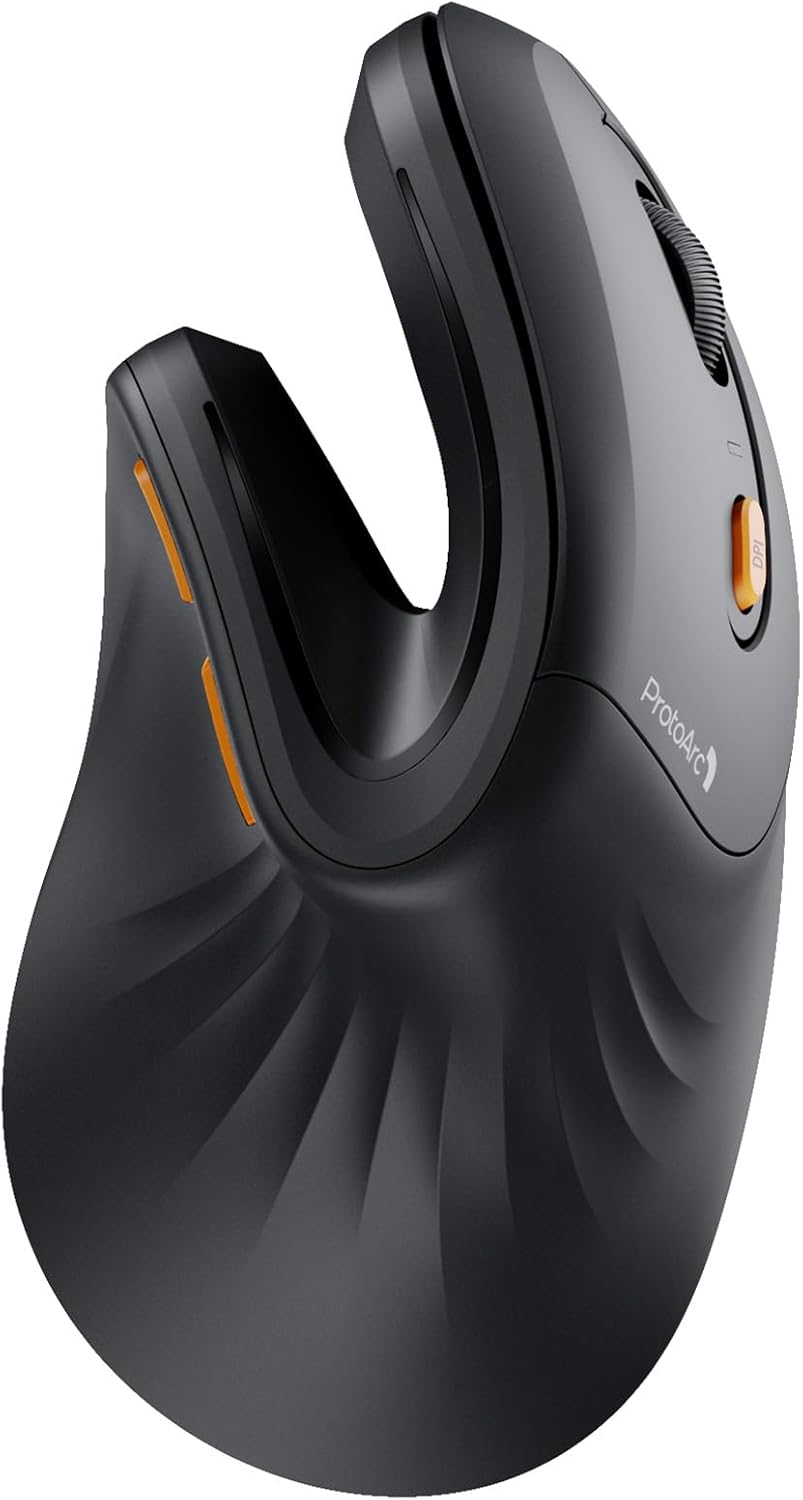
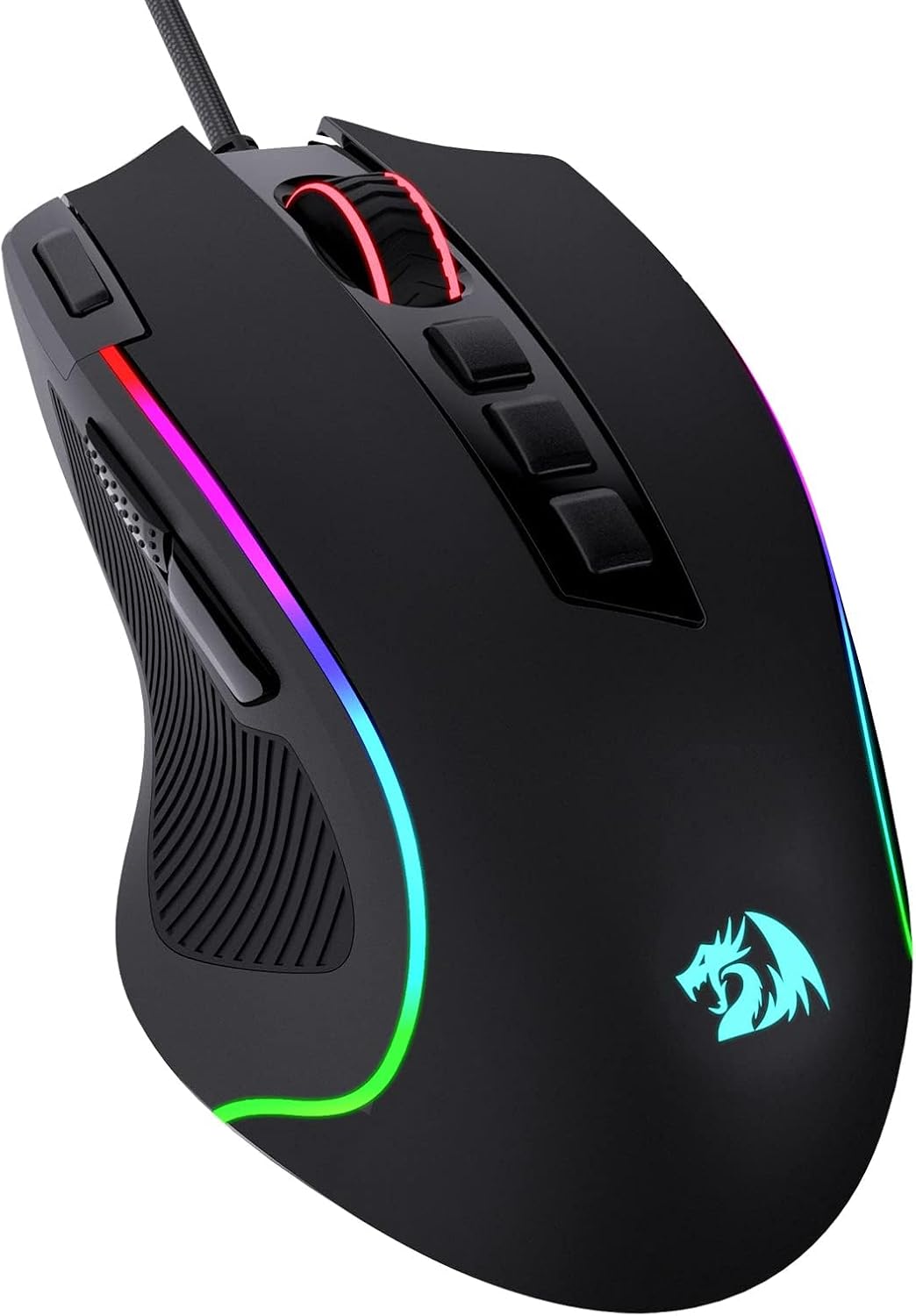


Product description

Ergonomic Vertical Mouse: Angle for a natural handshake position
Features:
Ergonomic vertical design2.4Ghz USB wireless Connection800 / 1200 / 1600 three levels of adjustable DPINoiseless silent clickCompatible with all Windows/ Android/ Linux/ Mac OS (The previous/next page buttons are not recognized on the Mac OS)

2.4G USB Wireless Connection
built in 2.4GHz USB wireless connection, offering stable and quick performance with max working distance of 10M, just plug and play.

Ergonomic Design & Noiseless click
Ergonomic design for reducing wrist pain during long time use; Silent click offers noiseless working space.

Wide Compatibility
Compatible with all Windows/ Android/ Linux/ Mac OS (The previous/next page buttons are not recognized on the Mac OS)

Instruction Details
Battery Install Two AAA batteries should be placed within the battery compartment at the bottom of the mouse.Please make sure the battery has power. Power On Toggle the Power Switch to ON.The Power Switch placed at the bottom of the mouse.Indicator Status: The red laser light will flash for 3 seconds then off. 2.4G Connection Plug in the USB 2.4G receiver to your computer and click the right or left click on your mouse.Indicator Status: The red laser light will keep flash during moving the mouse. Dormancy The mouse enters dormancy after 10 minutes of inactivity.Indicator Status: The red laser light is off. Reconnection Moving the mouse around on your table or click any button on the mouse.Indicator Status: The red laser light keep flashing.. Adjustable DPI It has 800/1200/1600 three leves of DPI, DPI switch button placed at the top of the mouse. Next/Previous Buttons The Next/Previous buttons are placed around your thumb when you hold the mouse,click the Next button will go to next web page and Previous button will go to previous web page. Power Off Toggle the Power Switch to OFF.The Power Switch placed at the bottom of the mouse. Compatible Operating System Windows XP, Vista,Win7,Win8,Win10,iOS. Special Attention: iOS system device need to be upgraded to iOS13 or higher versions.
Trouble Shooting Step
No Power First,make sure you have insert a pair of AAA battery and place the positive pole and negative pole in right place.the mouse is powered by 2 AAA batteries(not include in the packing).Second,pull the power switch to the ON side, then you will see the red laser light of the mouse flashing,if there is no red laser light flashing,please check if the battery has the power and change another new AAA batteries and check again the battery postive pole and negative pole to make sure in right place. No Connection The mouse is 2.4G wireless connection, not the bluetooth connection,it works together with 2.4G USB dongle. The USB dongle is hidden in the bottom of the mouse,pull out the USB dongle from the mouse and insert it to your computer USB A port, please wait for the auto connection for about 3 seconds if this is the first time of use.It is plug and play, no extra driver needed. If there is no connection, please check the mouse power is on and pull out and insert the USB dongle to computer again. Lost Connection while Use The mouse has power-saving function, it will go into sleeping mode after 10 minutes of not moving or clicking the mouse.It will wake up by click any botton on the mouse or moving the mouse. If it can not wake up, first check whether the battery is too low, then switch off/on the power button, then pull out the USB dongle from the computer and insert it again., No Function to some Laptop Mouse can not work with the laptop with iOS system under iOS 13, make sure your laptop iOS version is upgraded to iOS 13 or above. Please also check the laptop USB A port is working fine, and try different USB A port if there is no function.
【Ergonomic Design】The ergonomic mouse has a vertical design conforms to neutral handshake position when you holding the mouse, allowing the arm and wrist rest naturally, relieve wrist pain and discomfort during work.
【2.4G USB Wireless Connection】The ergonomic mouse has built in 2.4GHz USB wireless connection, just plug and play, offering stable and quick performance with max working distance of 10M.
【High Sensitivity with Adjustable DPI】The vertical mouse has 800 / 1200 / 1600 three levels of adjustable DPI, providing higher sensitivity than traditional mouse.
【Convenient with Next/Previous Buttons 】The ergo mouse has added Next and Previous buttons provides convenience with web page browsing(Note: The forward/back buttons are unavailable on Mac OS systems).
【Packing List 】: One Wireless Vertical Ergonomic Mouse (2 AAA batteries not included), One 2.4G USB receiver (in the bottom of the mouse).
User Reviews
Be the first to review “Wireless Ergonomic Mouse, 2.4G Wireless Vertical Ergo Mouse, 800/1200/1600 Adjustable DPI,6 Buttons Ergonomic Mouse for Laptop/MacBook/PC/Desktop-Black”

$9.99
There are no reviews yet.